Add Interactive 3D Models to Your OpenCart Store
Upload your GLB models once. MeshCommerce automatically optimizes, stores, and delivers interactive 3D experiences for OpenCart.
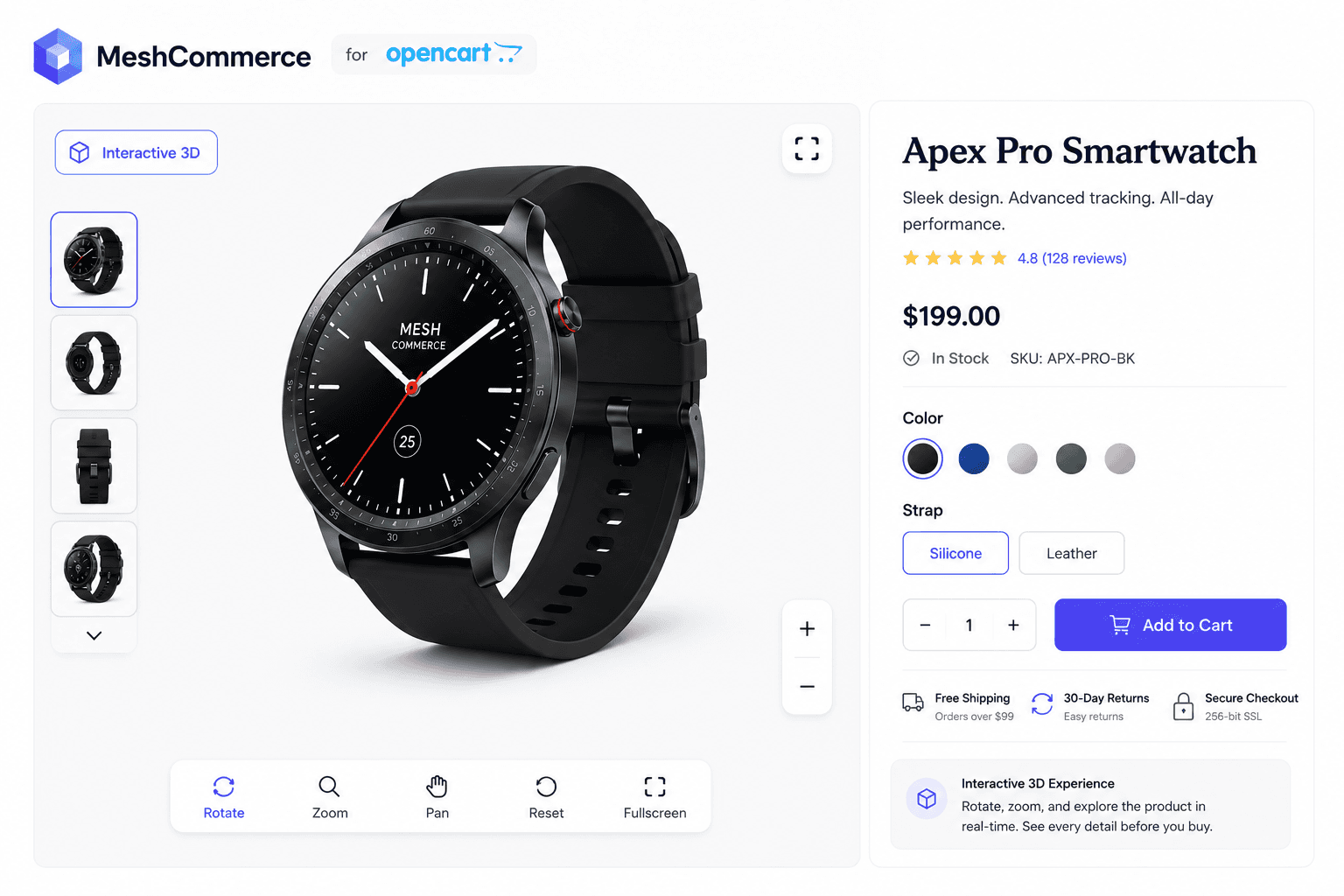
See it in action
Rotate, zoom, and explore a live product model — exactly what your customers will see on your own OpenCart product pages.
Rotate and zoom on the product page
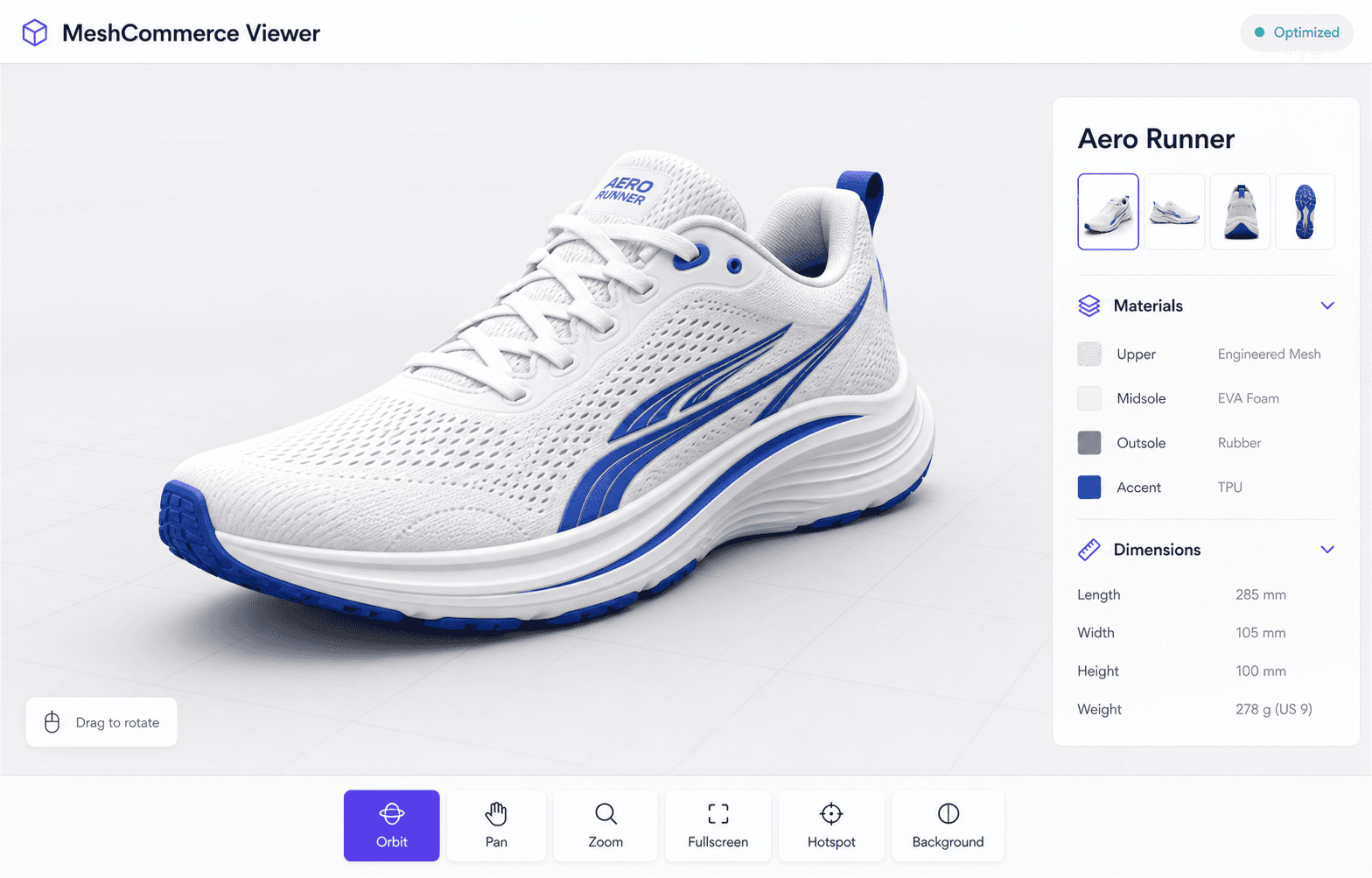
Fullscreen viewer
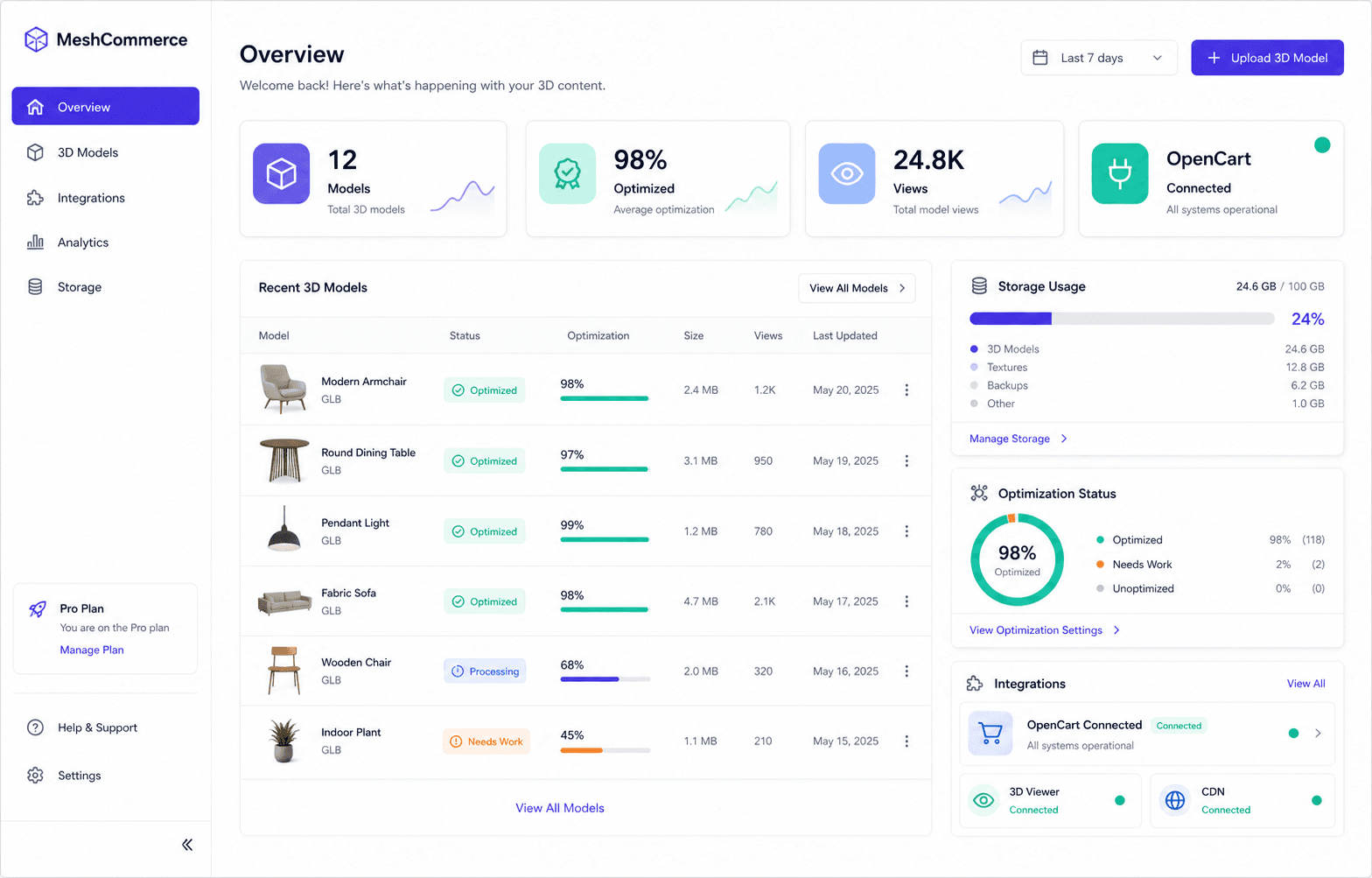
Model browser in the product editor
Why add 3D product viewing to OpenCart?
Business outcomes, not just specs.
Increase customer confidence before purchase
Shoppers who can rotate and inspect a product before buying return fewer items and ask fewer "what does it actually look like" support questions.
Showcase products from every angle
A single 3D model replaces a dozen static product photos — customers see the product the way they'd see it in a showroom.
Faster loading with automatic optimization
MeshCommerce compresses and optimizes every model on upload, so interactive 3D doesn't mean a slower product page.
Secure cloud hosting
Models are stored on MeshCommerce's infrastructure, not your OpenCart server — nothing to back up, patch, or run out of disk space for.
Easy OpenCart integration
Install the extension, connect your API key, and assign models to products from a tab already inside the OpenCart product editor.
Works on desktop and mobile
The viewer is touch- and mouse-friendly out of the box — no separate mobile configuration.
Global CDN delivery
Models stream from a CDN close to each shopper, wherever they're buying from.
OpenCart 3D Viewer Features
Everything the extension adds to your product pages and editor.
3D Model tab in the product editor
Enable the viewer, pick a model, set a poster image, choose a viewer theme, auto-rotation, camera position, and background color — per product.
Model browser
Browse every synced model by thumbnail, name, file size, version, and last-updated date, with search, filtering, and pagination.
Rotate, zoom, and fullscreen
Customers can freely rotate and zoom the model, or expand it to fullscreen, directly on the product page.
Loading poster
A static poster image displays instantly while the interactive viewer loads in the background.
Graceful fallback
If a model or the viewer is temporarily unavailable, the product page continues to render normally.
Local configuration caching
Viewer configuration is cached locally in OpenCart, keeping product pages fast between syncs.
Anonymous usage analytics
Optional, privacy-respecting analytics on viewer opens, interaction time, rotation, and zoom.
Built-in security
HTTPS-only delivery, encrypted API key storage, and standard input validation and output escaping.
How to integrate MeshCommerce with OpenCart
No code changes required.
Install the extension
Add the MeshCommerce extension to your OpenCart store (3.x or 4.x).
Enter your API key
Generate a key from your MeshCommerce account and paste it into the extension settings.
Connect your store
MeshCommerce validates the connection automatically.
Synchronize your models
Your uploaded models, thumbnails, and viewer configuration sync to OpenCart.
Assign a model to a product
Open any product, go to the new 3D Model tab, and select a model from the browser.
OpenCart 3D Plugin FAQ
MeshCommerce supports OpenCart 3.x and OpenCart 4.x.
Get in touch
Tell us about your store and we'll follow up by email.